> For the complete documentation index, see [llms.txt](https://blueskytechcos-organization.gitbook.io/umino-shopify/llms.txt). Markdown versions of documentation pages are available by appending `.md` to page URLs; this page is available as [Markdown](https://blueskytechcos-organization.gitbook.io/umino-shopify/theme-settings/quickview.md).
# Quickview
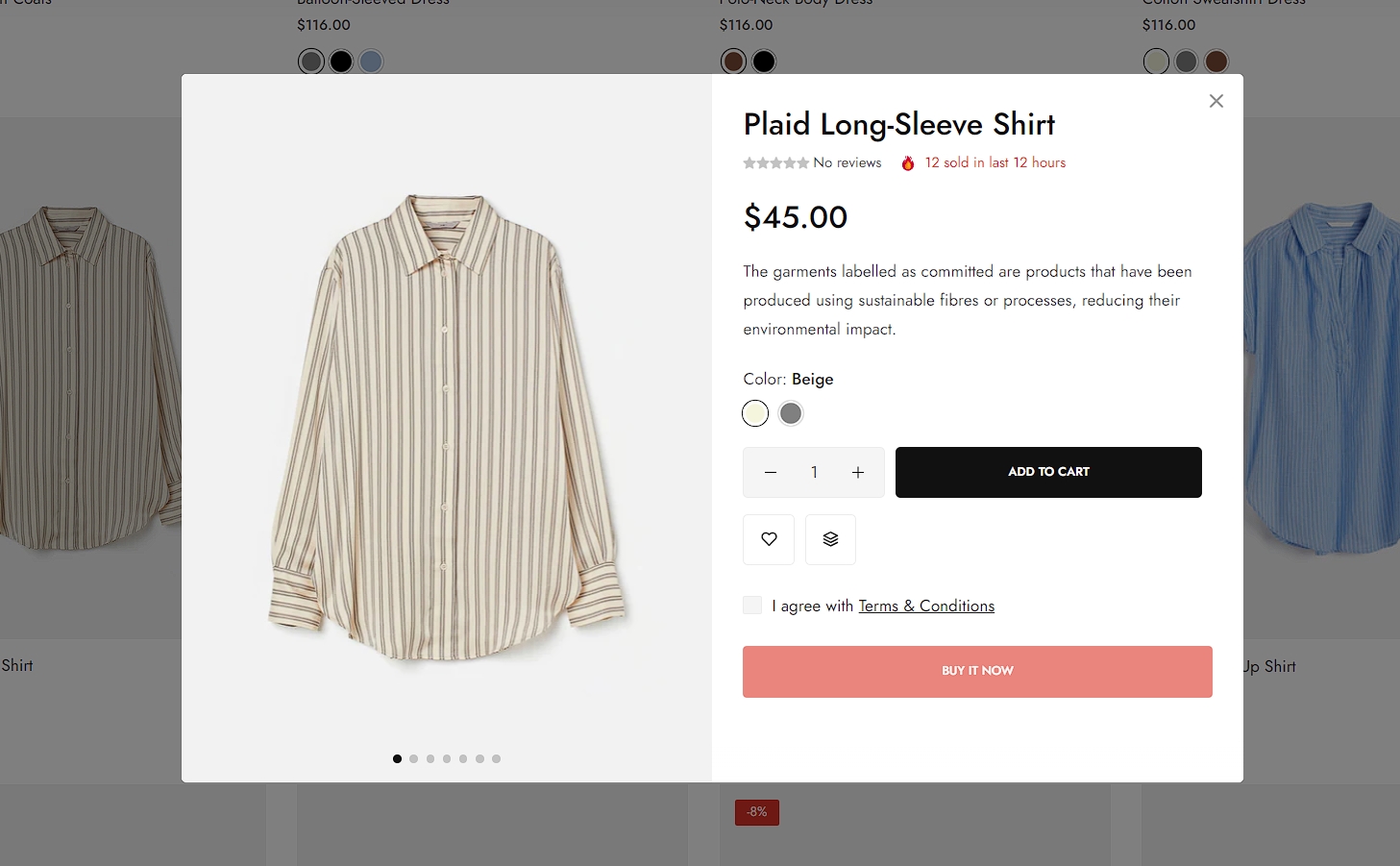
If you want customers to be able to view your products without having to go to the Product Page, you can enable the Product Quickview option on the Frontpage. This option ***allows customers to view all of your product details without being redirected to the Product page***, reduces time consumption and provides a better shopping experience in your store.
{% hint style="success" %}
Steps
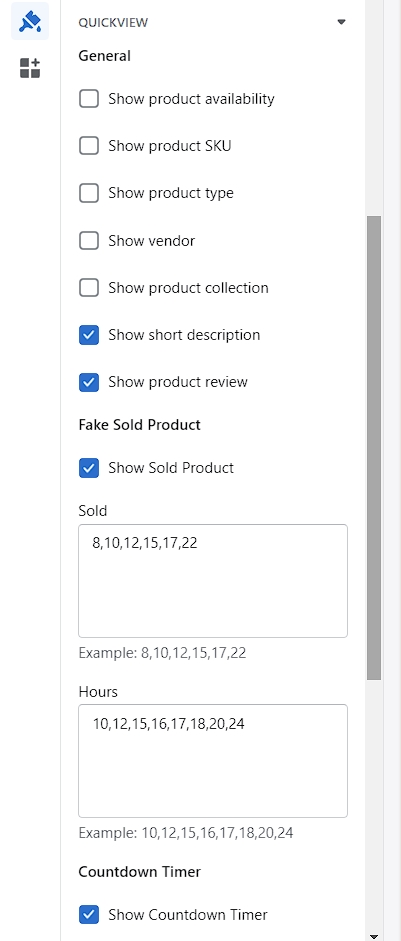
1. In the theme editor (**Customize**), click **Theme settings**
2. Locate **Quickview**
3. Make necessary changes
4. **Save**
{% endhint %}